
WordPress vs Shopify: Which Should You Learn First?
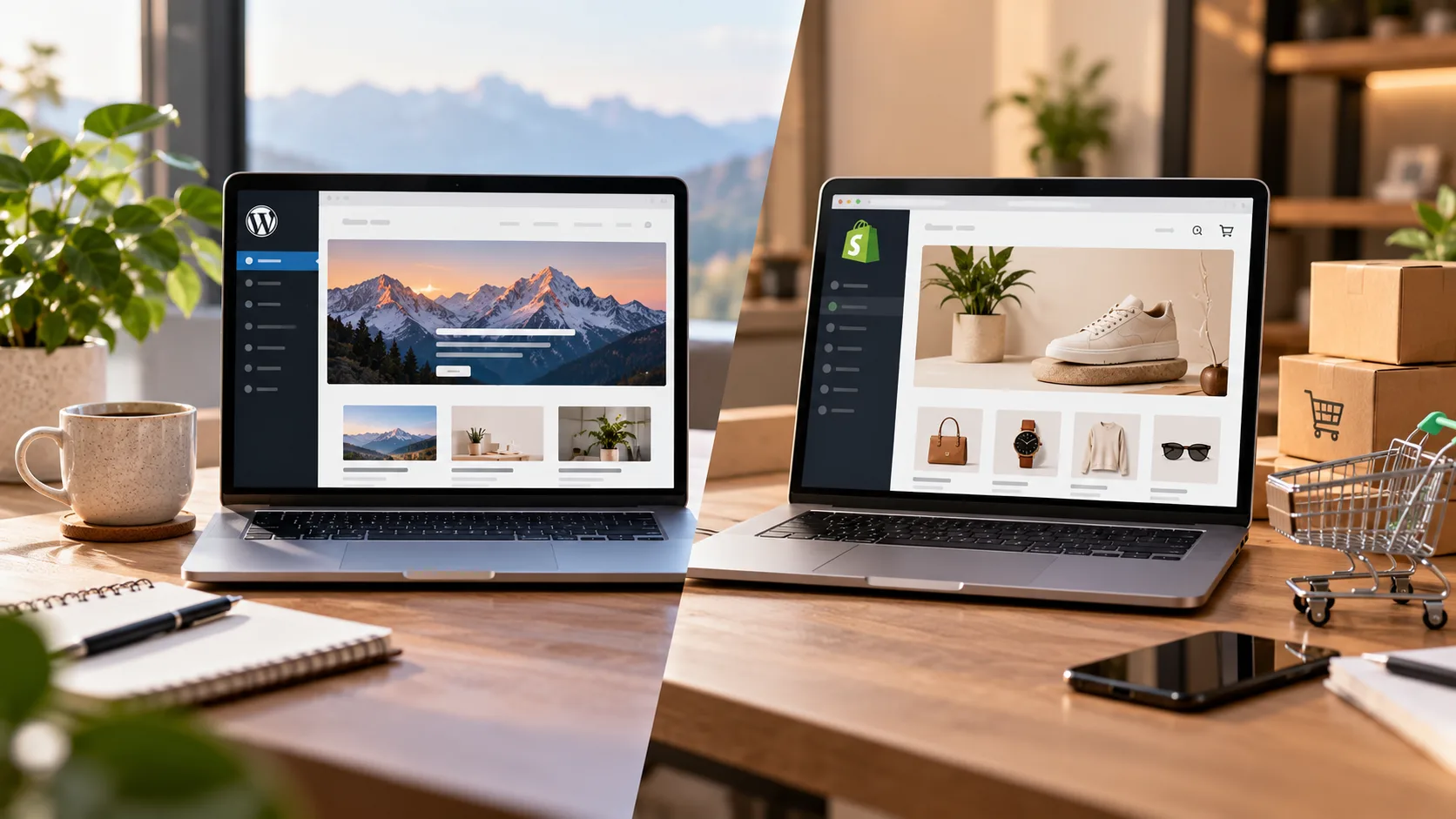
Choosing between WordPress and Shopify depends on what you want to create and where you want to take your career. WordPress is a strong starting point for learners interested in websites, blogs, content management and flexible website development. Shopify is ideal for those focused on building and managing online stores. If you want to learn both, PulsePlay Academy’s Design & Development CMS Course covers WordPress, Shopify and WooCommerce.
What Is WordPress?
WordPress is a content management system (CMS) used to create and manage websites. It supports a wide range of projects, including blogs, business websites, portfolios, educational websites and online stores.
Its flexibility makes it useful for beginners who want to understand how websites work and develop practical website-building skills. Depending on the chosen setup, users can customise their websites through themes, plugins, page builders and code.
Key Features of WordPress
Some important WordPress features include:
- Flexible website creation: Build blogs, business websites, portfolios and other types of websites.
- Themes and design customisation: Change the appearance and layout of a website using themes and compatible tools.
- Plugins: Extend website functionality with additional features.
- Content management: Create and organise pages, posts, images and other content.
- SEO support: Configure page titles, meta descriptions, URLs and other SEO elements using built-in settings and suitable plugins.
- E-commerce functionality: Add online store features using WooCommerce.
The features available on a particular website depend on its theme, plugins, hosting environment and configuration.
What Skills Can You Learn with WordPress?
Learning WordPress can help beginners develop practical skills in:
- Website setup and content management
- Page creation and website navigation
- Theme selection and customisation
- Plugin installation and configuration
- Basic website design and responsive layouts
- SEO fundamentals
- Website maintenance and troubleshooting
- WooCommerce basics for online stores
These skills can provide a foundation for website development, website management and freelance projects.
Who Should Learn WordPress First?
WordPress is a good starting point if you want to:
- Build different types of websites rather than only online stores.
- Learn content management and website customisation.
- Create blogs, business websites or personal portfolios.
- Explore website design and development careers.
- Offer website creation and maintenance services to clients.
- Learn the fundamentals before exploring more specialised platforms.
If you are unsure which area of web development interests you, WordPress can provide a broad introduction to website creation.
What Is Shopify?
Shopify is an e-commerce platform designed to help businesses create and manage online stores. It provides tools for displaying products, managing orders, configuring payments and shipping, and operating an online retail business.
Unlike a general-purpose content management system, Shopify is built primarily around the needs of e-commerce businesses. Its hosted setup also means users do not have to manage the underlying server infrastructure in the same way they might with a self-hosted WordPress website.
Key Features of Shopify
Shopify offers features that support online store creation and management, including:
- Store setup: Create an online storefront and organise its main pages.
- Product management: Add product details, images, prices and inventory information.
- Themes: Customise the appearance of a storefront using available themes.
- Payments and checkout: Configure supported payment options and checkout settings.
- Shipping configuration: Set up shipping options according to business requirements.
- Order management: Review and manage customer orders.
- E-commerce SEO: Configure important elements such as page titles, meta descriptions, product URLs and image alt text.
- Apps and integrations: Extend store functionality using compatible apps and integrations.
Available features and payment options can vary by plan, location, configuration and third-party services.
What Skills Can You Learn with Shopify?
Learning Shopify can help you develop skills in:
- Online store setup and configuration
- Product and collection management
- Storefront themes and customisation
- Payment and shipping configuration
- E-commerce SEO
- Inventory and order management
- Product page optimisation
- Conversion-focused store design
- Basic e-commerce operations
These skills are relevant to online retail and e-commerce projects, whether you want to work with an established business or build a store of your own.
Who Should Learn Shopify First?
Shopify may be the better starting point if you want to:
- Build and manage online stores.
- Work specifically in e-commerce.
- Learn product catalogue and order management.
- Help businesses launch or maintain Shopify stores.
- Explore Shopify store development and customisation.
- Understand the operational side of online selling.
If your main goal is to create online stores rather than a wide variety of websites, Shopify gives you a more focused learning path.
WordPress vs Shopify: Key Differences
WordPress and Shopify can both support online businesses, but they serve different primary purposes. WordPress offers broader website and content management flexibility, while Shopify focuses on e-commerce store creation and operations.
| Comparison factor | WordPress | Shopify |
|---|---|---|
| Main purpose | Flexible websites and content management | Online store creation and management |
| Best suited for | Blogs, business websites and varied website projects | E-commerce businesses |
| Getting started | Setup depends on the hosting and WordPress environment | Provides an integrated hosted store setup |
| Customisation | Themes, plugins and code, depending on setup | Themes, apps and supported customisations |
| Technical skills | Useful for learning broader website development | Useful for e-commerce operations and storefront customisation |
| E-commerce | Commonly supported through WooCommerce | Built around e-commerce functionality |
| Maintenance | Depends on hosting, plugins and site configuration | Core hosting and platform maintenance are managed by Shopify |
| SEO | Flexible tools and configurations | Built-in and configurable store SEO features |
| Content publishing | Well suited to blogs and content-heavy websites | Supports store content, with e-commerce as the main focus |
| Typical projects | Blogs, business websites, portfolios and stores | Online shops and e-commerce storefronts |
Neither platform is universally better. WordPress is a versatile option for learners who want broader website-building skills, whereas Shopify is a practical choice for those who want to specialise in online store creation and management.
WordPress vs Shopify: Which Is Easier for Beginners?
Both platforms can be learned by beginners, but the learning experience differs according to your goals and the type of project you want to build.
Learning WordPress Step by Step
With WordPress, beginners may need to understand how hosting, domains, themes, plugins and website settings work. The amount of technical knowledge required depends on the hosting provider and the tools being used.
A sensible learning sequence is:
- Understand domains, hosting and the WordPress dashboard.
- Create pages, posts and navigation menus.
- Select a theme and customise the layout.
- Install and configure suitable plugins.
- Learn responsive design and basic SEO.
- Build and publish a complete practice website.
First project idea: Create a business website with a homepage, about page, services page, blog and contact form.
This project helps you practise content organisation, page design, navigation and basic website optimisation.
Learning Shopify Step by Step
Shopify provides a more focused starting point for e-commerce. Beginners can learn how to configure a store, add products and customise the storefront without having to manage the underlying hosting infrastructure.
A beginner-friendly sequence is:
- Explore the Shopify admin dashboard.
- Select a suitable theme.
- Add products and organise collections.
- Configure available payment and shipping options.
- Create essential store pages and navigation.
- Learn product SEO and basic conversion-focused design.
- Test the shopping experience before launching.
First project idea: Build a demonstration store with product listings, collections, product descriptions, shipping information and essential policy pages.
Use a practice setup and test data where possible instead of processing real transactions while learning.
Which Platform Should Beginners Choose Based on Their Goals?
Choose WordPress if you want to learn how to build and manage different types of websites. Choose Shopify if you want to focus on online stores and e-commerce workflows.
If you are equally interested in both, start with the platform that matches your first project. Once you understand the fundamentals, you can learn the second platform and expand your practical skills.
Which Platform Offers Better Career Opportunities?
WordPress and Shopify can lead to different types of work. Your opportunities will depend on your practical skills, portfolio, experience, location and the needs of employers or clients.
Career Options After Learning WordPress
WordPress skills can be useful for roles and projects such as:
- WordPress website developer: Build, customise and maintain WordPress websites.
- Website designer: Create page layouts and user-friendly website experiences.
- Website support specialist: Help maintain websites and troubleshoot common issues.
- WordPress freelancer: Build or update websites for clients.
- Content management specialist: Manage website pages, posts and content publishing.
More advanced development work may require knowledge of HTML, CSS, JavaScript, PHP or other relevant technologies.
Career Options After Learning Shopify
Shopify skills can be relevant to roles such as:
- Shopify store developer: Build and customise Shopify storefronts.
- E-commerce store administrator: Manage products, collections and orders.
- Shopify theme customisation specialist: Adapt storefront themes to meet business requirements.
- E-commerce operations specialist: Support day-to-day online store operations.
- E-commerce website assistant: Help maintain product listings, store content and other website elements.
Advanced Shopify theme development may require knowledge of HTML, CSS, JavaScript and Shopify’s Liquid templating language.
For information about relevant career pathways, explore career options at PulsePlay Academy.
Which Platform Should Freelancers Learn First?
Freelancers should choose based on the services they want to offer.
WordPress can be a good starting point if you want to create business websites, blogs, portfolios and content-driven websites. Shopify is a stronger fit if you want to help clients launch or manage online stores.
Before offering either service professionally, build a few practice projects and document the work in a portfolio. A completed project demonstrates your skills more effectively than familiarity with a platform alone.
Should You Learn WordPress Before Shopify?
You do not have to learn WordPress before Shopify. They are different platforms, and either can be your starting point.
When Learning WordPress First Makes Sense
Start with WordPress if you want to understand website structure, content management, themes, plugins, page design and general website maintenance. These skills can be useful across a range of website projects.
When Learning Shopify First Makes Sense
Start with Shopify if your immediate goal is to build online stores, manage product catalogues, configure store settings and understand e-commerce workflows.
You can begin with Shopify without first mastering WordPress.
Is It Worth Learning Both Platforms?
Yes, learning both can broaden the range of projects you understand and can potentially work on.
For example, you might use WordPress to create a company website or blog and Shopify to manage an online store. You can also learn WooCommerce if you want to explore e-commerce within WordPress.
However, avoid trying to master every platform at once. Learn one through a complete project, then move to the next.
A Beginner’s Learning Roadmap for WordPress and Shopify
If you want to build practical skills in website creation and e-commerce, follow this learning roadmap.
Step 1: Learn Website Fundamentals
Understand domains, hosting, website pages, navigation, responsive design and basic user experience. These concepts will help you work with either platform.
Step 2: Choose Your First Platform
Select WordPress if your focus is general website creation, or Shopify if you want to build online stores. Define a clear goal before starting.
Step 3: Build a Complete Practice Project
Create a functioning practice website or demonstration store. Include the pages, navigation and features appropriate to your project.
Step 4: Learn Basic SEO and User Experience
Practise writing page titles and meta descriptions, creating useful page content, organising URLs, adding descriptive image alt text and designing for mobile users.
Step 5: Document Your Work and Create a Portfolio
Capture screenshots, explain the project’s objective and describe the features you implemented. Clearly identify practice projects as demonstrations rather than client work.
Step 6: Learn the Second Platform
Once you can complete a basic project independently, start learning the other platform. Compare how each handles content, design, customisation and e-commerce.
If you prefer structured learning, explore the Design & Development CMS Course covering WordPress, Shopify and WooCommerce.
Learn WordPress and Shopify at PulsePlay Academy
Learning website development involves more than understanding a dashboard. Beginners also need to practise page creation, design customisation, content management and the processes involved in building a usable website or online store.
PulsePlay Academy’s Design & Development CMS Course covers WordPress, Shopify and WooCommerce, providing a learning route for people interested in website development and e-commerce platforms.
By learning through practical projects, beginners can develop familiarity with different website-building workflows and identify the areas they want to explore further.
If you want to build your skills in website creation and e-commerce, explore the Design & Development CMS Course.
Choose the platform that matches your immediate goals, practise consistently and build a portfolio that demonstrates what you can do. You can then expand your skills by learning the second platform.
Frequently Asked Questions
Learn WordPress first if you want to create different types of websites, blogs and business sites. Choose Shopify first if your primary goal is to build and manage online stores.
Neither is always easier. WordPress involves learning its setup and customisation options, while Shopify focuses on store creation and e-commerce management. Your experience will depend on your goals and technical background.
No, you can begin using both platforms without coding. However, HTML, CSS and JavaScript can help with customisation, and advanced WordPress or Shopify development may require additional programming skills.
Shopify is designed specifically for e-commerce. WordPress can also support online stores through WooCommerce. The right choice depends on your preferred setup, customisation needs and store requirements.
Both platforms offer potential career paths. WordPress is relevant to website development and content management, while Shopify is relevant to store development and e-commerce operations. Opportunities depend on practical skills and market demand.
Freelancers should choose according to their target clients and services. WordPress suits a broad range of website projects, while Shopify suits clients who need online store creation and management.
No. You can learn Shopify directly if you want to focus on e-commerce. Learning WordPress first may be helpful if you want broader website-building experience.
Yes, but beginners may find it easier to focus on one platform first, complete a practical project and then learn the second. This helps build a solid foundation without confusing different workflows.
Both platforms support SEO. WordPress offers flexible configuration options through its core features and compatible plugins, while Shopify provides configurable SEO features for online stores. Results depend on content quality, technical implementation and ongoing optimisation.
For WordPress, build a small business website or blog. For Shopify, create a demonstration online store with products, collections and essential store pages.
A course covering these platforms may teach website setup, content management, theme customisation, e-commerce basics and website development workflows. Check the current course curriculum for the exact modules offered.
You can explore the Design & Development CMS Course at PulsePlay Academy to learn more about its WordPress, Shopify and WooCommerce coverage.